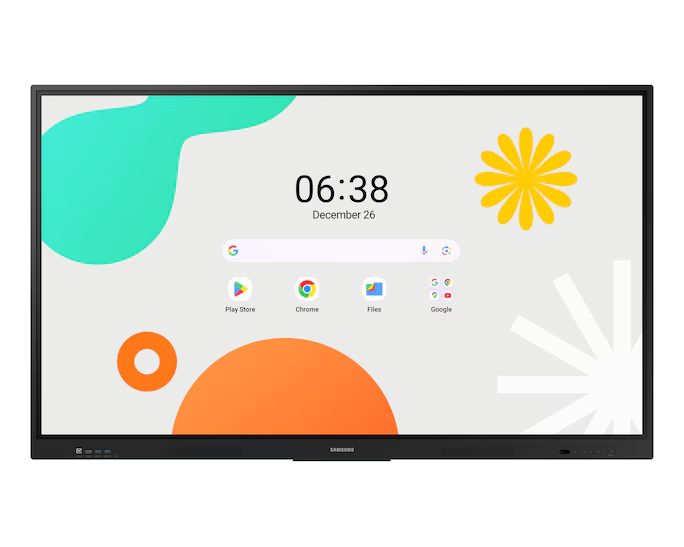
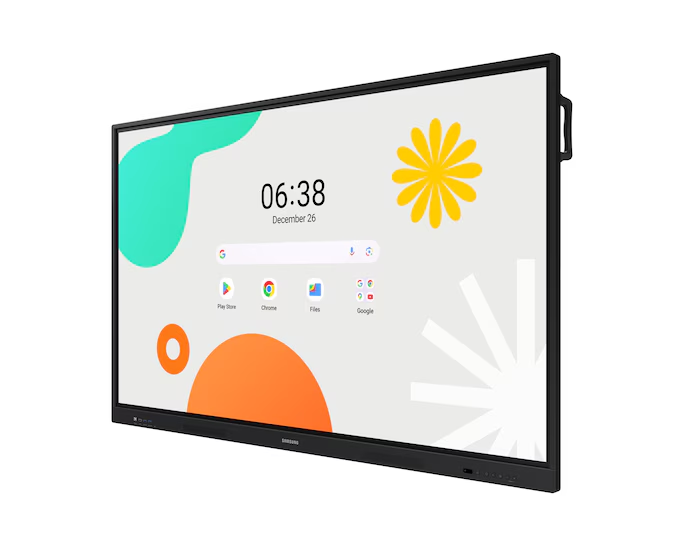
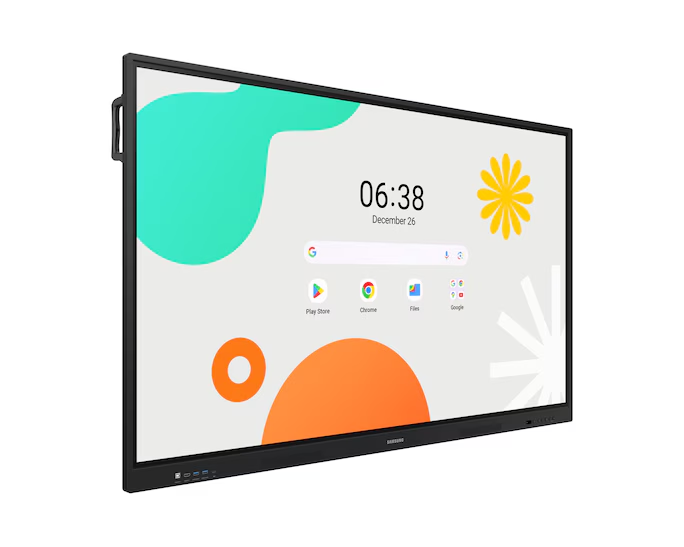
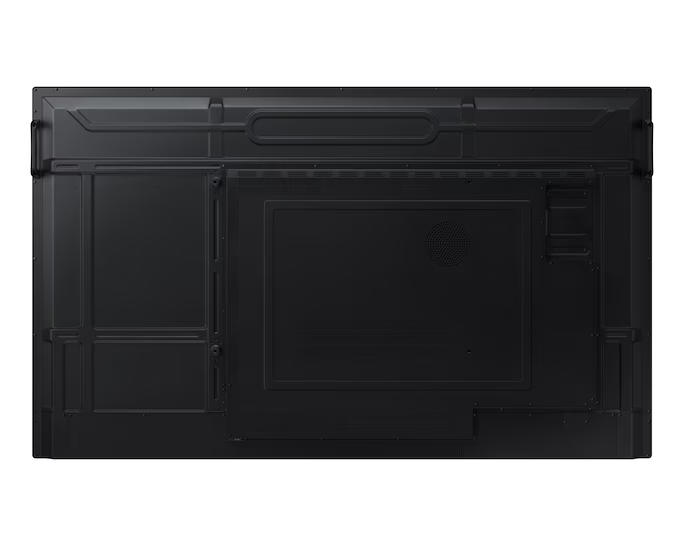
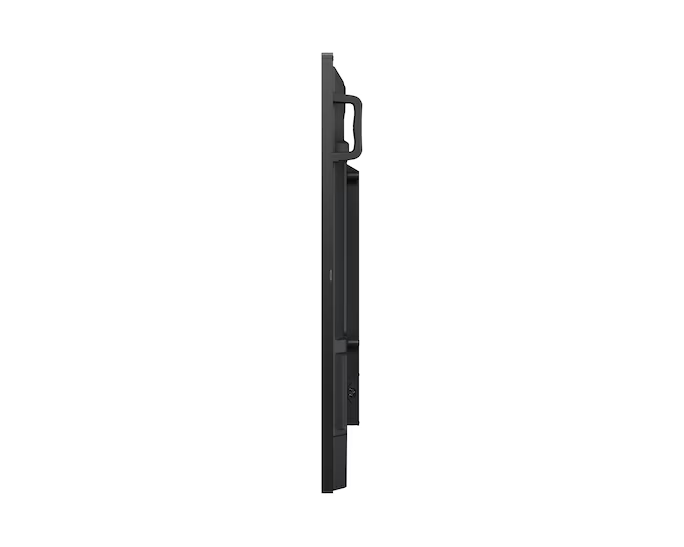
WA65F – F-LH65WAFWLGCX : 65″ 3840 x 2160
65″ Samsung Interactive eBoard
LH65WAFWLGCXXY
- Powered by Android™
- EDLA Certification
- Annotation On
$2,325.53
Product Details
Unlimited Learning Possibilities
The Samsung Interactive eBoard series, powered by Android OS, aids education with Google services and a seamless annotation function. Easily take notes and empower students to collaborate independently in separate zones, ushering in a new era of interactive education.


Display UX illustrated may differ slightly from actual UX.
An intuitive UX that fits your needs
Powered by Android™
The Samsung Interactive eBoard series offers familiarity to its users. It’s compatible with other Android devices and provides a variety of widgets and an easily customisable home screen. These features create flexibility in building an environment that suits various learning needs.


Display UX illustrated may differ from actual UX
Effortless access to Google services
EDLA Certification
With an EDLA certification, the Samsung Interactive eBoard series supports a variety of Google services like Google Play and YouTube. This access to major educational apps like Google Classroom leads to help increase efficiency and enhanced communication with students.


1 Sign in to Google account is required for access to certain Google apps and services. App charges and fees may apply.
Take notes instantly, anywhere on the screen
Annotation On
The Samsung Interactive eBoard series lets users take notes with a simple press of the always-visible Annotation button. Whether watching a video or viewing any content, users can seamlessly annotate without interruptions, avoiding the need to capture images first and help enhance productivity.


Display UX illustrated may differ slightly from actual UX.
Write independently, learn together
Split Note Mode
The Note app allows up to four independent note zones on a single page, enabling multiple students to use the whiteboard simultaneously. Students can work in their own zones without affecting others, fostering both collaboration and individual learning.


Display UX illustrated may differ slightly from actual UX.
Display multiple screens simultaneously
Easy Multitasking
The split screen and multi-window enables teachers to easily display information and multitask at the same time. This flexibility provides convenient access to the screens required to create engaging learning environments.


Display UX illustrated may differ slightly from actual UX.
Smart, wireless sharing on multiple devices
Powerful Screen Sharing
The Samsung Interactive eBoard series supports screen mirroring for up to nine devices, helping increase student engagement. This feature helps students be included and engaged as content can be shared on both the large display and individual devices. It can be used on iOS, Mac, Windows, Android.


Display UX illustrated may differ slightly from actual UX.
Screen sharing is available on devices with the following conditions: Windows 10 and higher / Mac OS X 10.11 and higher / Chrome 38 and higher / Android 5.1 and higher / iOS 10.0 and higher.
Better interaction with multi-touch
Multi-point touch drawing
Multiple users can write and draw on the whiteboard at the same time with the display’s advanced multi-touch capabilities. Up to 40 simultaneous touchpoints are possible, allowing large groups of students and teachers to collaborate and learn together in a fun and natural way.


Switch pens without changing settings
Dual Pen
The dual pen function enables the use of two different writing tools helping to reduce downtime for the user. With the double-sided nib applied, users can effortlessly switch between two different colours on the front and back side of the pen – without needing to change the settings or interrupt the flow of the lesson.


Front panel controls for intuitive navigation
Quick Access Controls
The Samsung Interactive eBoard includes front-facing physical controls for quick access to frequently used functions. These intuitive controls allow users to operate the interactive display efficiently, helping to enhance the overall user experience.


Connectivity


Convenient connectivity with USB-C
3-in-1 USB-C port
Connectivity is enhanced with the 3-in-1 USB-C port, enabling screen mirroring, touch control and external device charging (max. 65W). Teachers can simply connect to the USB Type-C port, allowing them to deliver interactive and engaging lessons without any hassle.
HDMI Out supports FHD/UHD 60Hz


Device Management Solution


Seamless management, efficient operations
Device Management Solution
The Samsung Interactive eBoard series provides a device management solution* for advanced educational environments. This solution optimises the remote management of whiteboard settings and applications, designed to assist with operational efficiency and stability.
*The WAF series provides an on-prem DMS solution, allowing customers to choose an option that best fits their local network requirements.
*UX/UI images are simulated for illustrative purposes. App availability and content may change without notice.
Charges apply for access to the cloud-based DMS solution. Pricing policies are subject to change. For more details, please contact your account manager. App availability and content may change without notice


Specifications
Specifications Detail
Display
- Diagonal Size65″
- Panel TypeIPS
- Resolution3,840 x 2,160
- Pixel Pitch (HxV)372(H)x372(V)
- Brightness (Typ)400 nit
- Contrast Ratio⁵1,200:1
- Viewing Angle (H/V)178/178
- Response Time8ms
- Colour Gamut72%
- Glass Haze25%
- H-Scanning Frequency135 kHz
- Maximum Pixel Frequency78MHz
- V-Scanning Frequency60Hz
- Operation Time Support12/7
Connectivity
- HDMI In2
- Version of HDMI2.1
- Version of HDCP2.1
- USB4
- Audio InStereo Mini Jack
- Audio OutStereo Mini Jack
- Video OutYes
- RS232 InYes
- RJ45 InYes
- WiFiWi-Fi 5: 802.11ac
- BluetoothYes
Power
- Power SupplyAC100-240V 50/60Hz
- Power Consumption (On Mode)409 W
- Power Consumption (Sleep Mode)0.5 W
Dimension
- Set Dimension (WxHxD)1482.1 x 897.5 x 87.7 mm
- Package Dimension (HxWxD)1640 x 1010 x 185 mm
Weight
- Net Weight36.2 kg
- Package Weight44.5 kg
Operation Conditions
- Temperature0℃~40℃
- Humidity10 ~ 80%, non-condensing
Mechanical Specification
- VESA Mount600 x 400 mm
- Bezel Width14.0mm
- Bezel ColourBlack
- Frame MaterialAluminium
Optional Feature
- TouchYes
SoC
- OS VersionAndroid-14
- Flash Memory Size64GB
Touch
- Touch TechnologyIR
Certification and Compliance
- EMCFCC CFR Title 47, Part 15, Subpart B/EN55032:2015+A11:2020
- SafetyIEC62368-1/UL62368-1/IEC60950-1 / IS13252


Only logged in customers who have purchased this product may leave a review.
Reviews